Overview
The Ineligible Vendors feature allows you to block specific vendors and prevent them from receiving any future orders, even if they were previously part of your Fee Panel or order groups. Marking a vendor ineligible is useful when you know a vendor should no longer be considered for assignments. This article explains how to mark vendors as ineligible, manage the Ineligible Vendors list, and restore vendor eligibility when needed.
Marking a Vendor as Ineligible/Blocking Appraisers from Future Orders
If you identify a vendor which you never intend to use for future orders, you can mark that vendor ineligible. This ineligibility applies across the board, so whether or not that vendor was already on your fee panel, they will not receive new orders from you.
Note: If you mark a vendor ineligible, they will be removed from your fee panel and any order groups. You can restore the vendor to your fee panel, but they will not be restored to their original order group(s).
Here's how to mark a vendor ineligible using your fee panel:
In the fee panel, select the vendor you intend to mark ineligible.
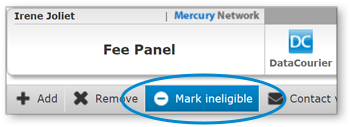
On the toolbar, click Mark Ineligible.
A message will appear to advise you of the considerations when marking a vendor ineligible, including the fact that the vendor will be removed from your fee panel and order groups. You'll be able to re-activate the vendor from the Ineligible Vendors list, but the previous order groups settings will not apply.
Click OK to continue, and the vendor will be marked ineligible and added to the Ineligible Vendors list.
You can also mark a vendor ineligible when viewing their profile. Simply check Ineligible for orders, then click OK.
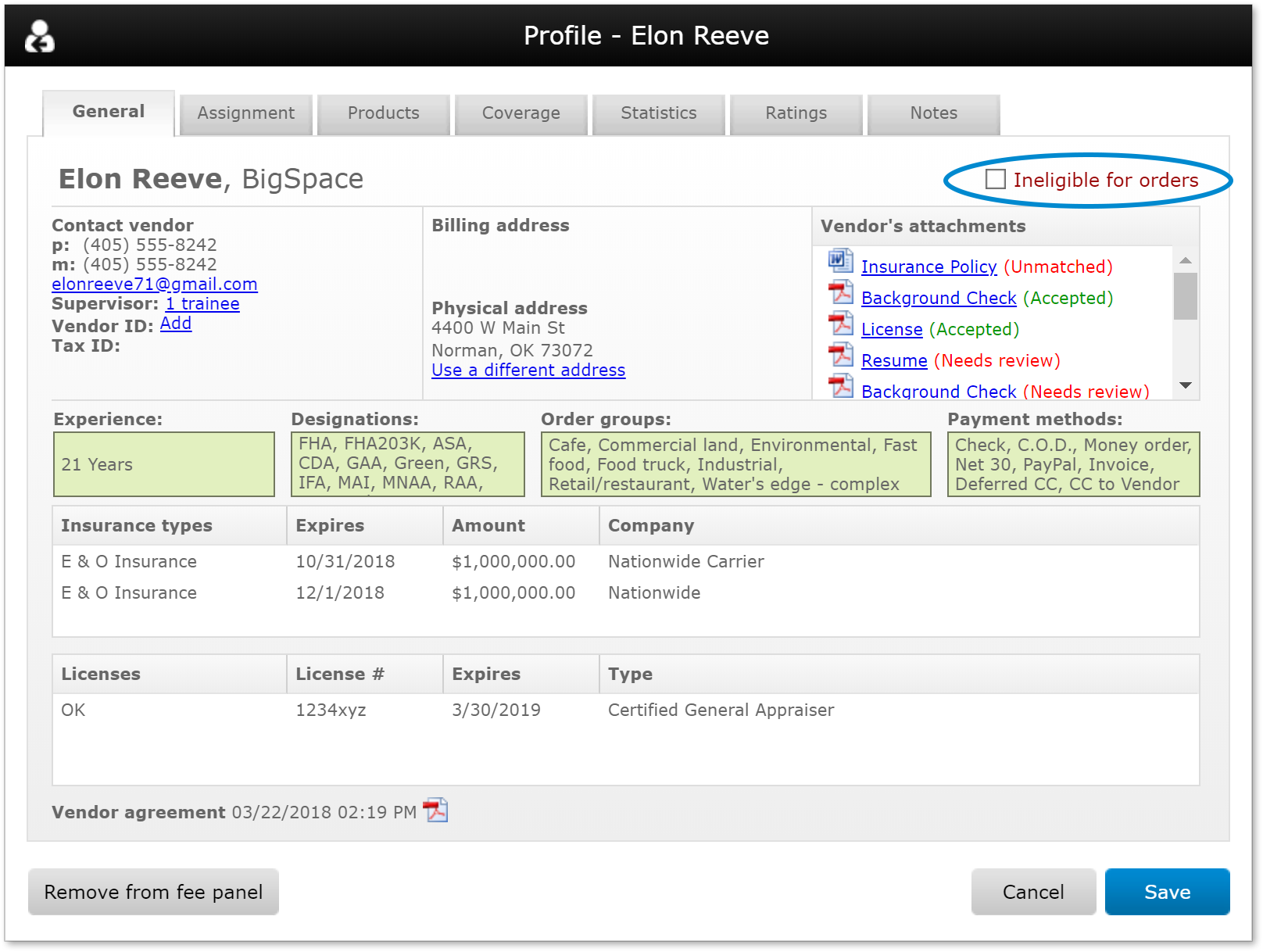
When viewing the profile of a vendor who has been marked ineligible, you can un-check Ineligible for orders to make the vendor eligible to receive orders. When you do, a pop-up window will give you the option to add them to your fee panel, or simply remove the vendor from your ineligible list so they may receive orders when you're using Mercury Network's fee panel.
The Ineligible Vendors tab
The Ineligible Vendors tab lets you see the vendors you've marked ineligible and provides a few different ways to add and remove vendors from the list of ineligible vendors.
Here's how to remove a vendor from the ineligible list:
In the fee panel, click the Ineligible Vendors tab.
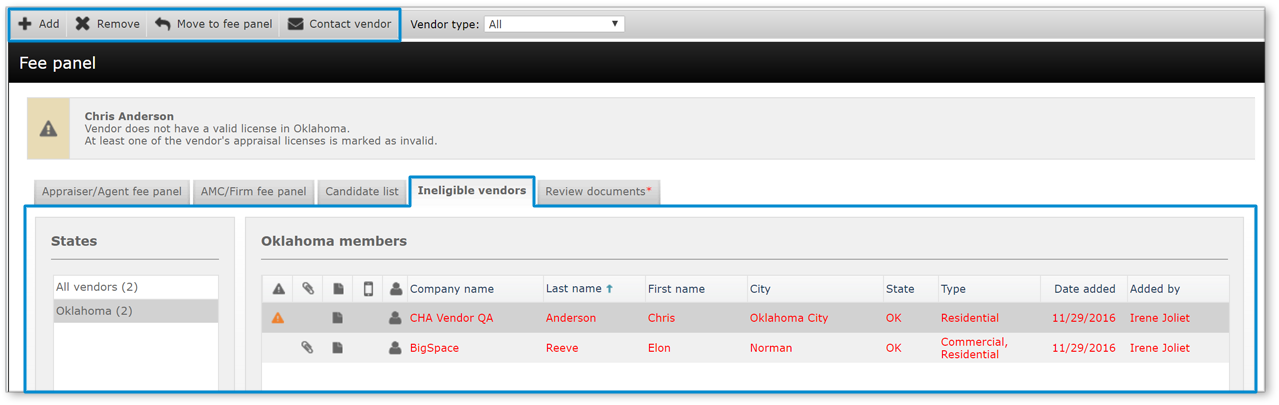
Click the vendor you intend to re-activate, then click Remove or Move to Fee Panel on the toolbar.
Remove: Removes the vendor from the ineligible list, but does not add the vendor to your fee panel.
Move to Fee Panel: removes the vendor from the ineligible list and adds them to your fee panel.
If you've identified a vendor who you'd like to mark ineligible but they're not in your fee panel, you can find and mark them ineligible using the Ineligible vendors tab.
Click Add in the top-left.
Enter an email address or phone number to find the vendor, then click Next.
In the search results, place a check next to the vendor(s) you intend to mark ineligible.
Click Add to add the vendor(s) to the Ineligible vendors list.
Vendor profile notes will be updated any time a vendor is marked ineligible, cleared to receive orders, or moved to the fee panel.

Outcome
After completing these steps, you will be able to mark vendors as ineligible, remove them from the Fee Panel and order groups, and manage them through the Ineligible Vendors tab. You will also know how to re‑activate vendors, decide whether to add them back to your Fee Panel, and mark vendors ineligible even if they were not previously on your panel. This ensures tighter control over which vendors can receive orders from your organization.